Shinkansen Ticket Pickup: QR Codes, Machines & What to Bring
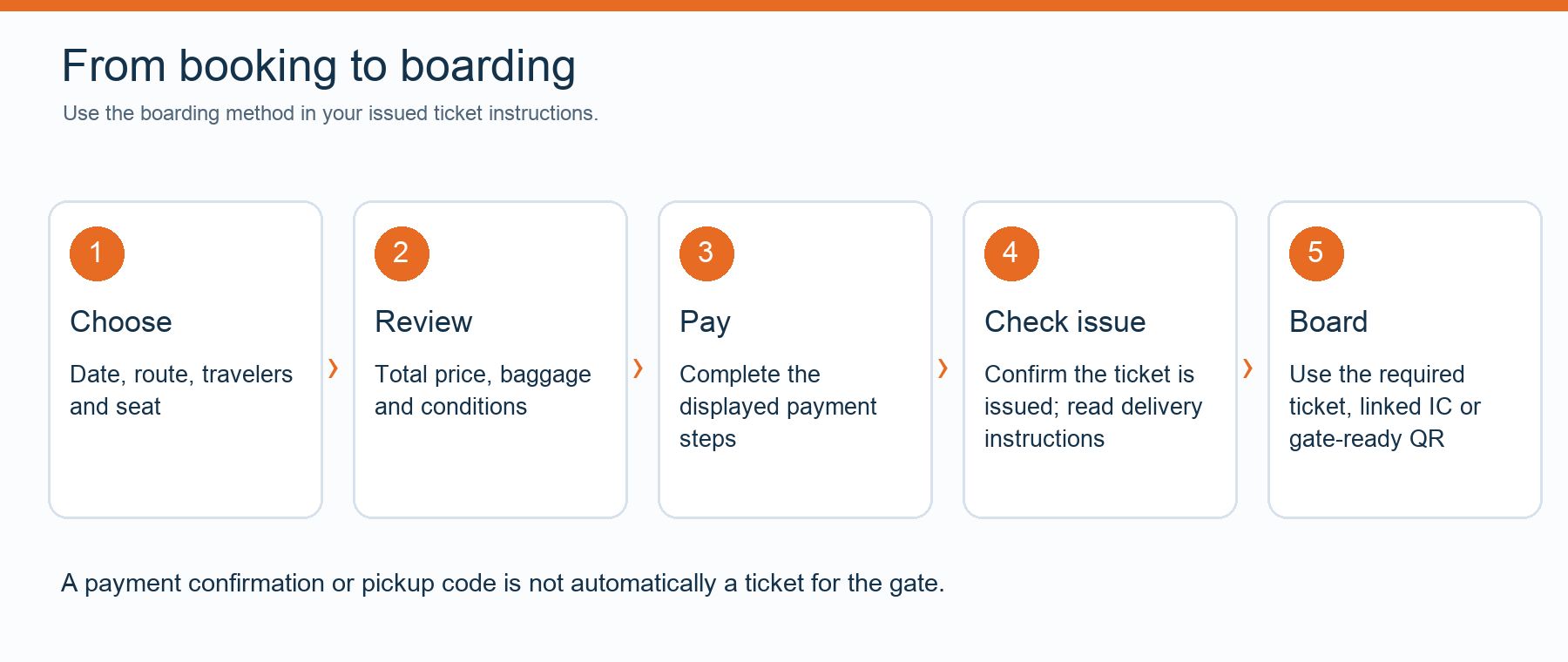
Before going to a station, check whether your booking needs paper-ticket collection or already provides a valid boarding method. A pickup QR code, a direct-entry QR code and an IC-linked reservation serve different purposes. Use the instructions attached to your booking; the color of a ticket machine does not establish that it can retrieve your reservation.
First identify the ticket or booking product
| What you receive | What it means | What to check |
|---|---|---|
| Ticket collection QR code or reference | Use it at an eligible machine or counter to obtain tickets. | Supported locations, required password or other identification, and pickup deadline. |
| Direct-entry QR ticket | Use the designated QR reader at an eligible gate as instructed. | One credential per passenger where required and how to use it at the destination. |
| IC-linked reservation | A registered compatible IC card is linked to that passenger's booking. | The correct card number, passenger assignment and transfer procedure. |
| Confirmation email only | It may confirm an order rather than provide a boarding ticket. | Whether ticket issuance is complete and what travel credential follows. |
The online booking guide explains the checks to make before payment. Keep the delivery instructions with the train details so you can distinguish an order reference from the credential used at the station.
Find a machine or counter that supports your reservation
Use the eligible pickup locations listed by the issuer. Different railway companies and booking systems have different collection arrangements, even inside the same station. Tokyo Station, for example, contains distinct Shinkansen areas serving different corridors. A convenient nearby JR station is not automatically a valid collection point for every product.
Look for the machine type and reservation service named in your instructions. Screen labels, machine colors, language options and opening times vary. Do not follow a universal rule that every green machine can retrieve every Shinkansen ticket, or that another color means it cannot.
If you plan to collect a ticket before departure day, check that early collection is allowed and whether collection changes your online change or cancellation options. Some products become subject to different handling after tickets have been printed.
SmartEX collection code versus boarding QR code
For SmartEX's collection-code method, the official instructions describe a pickup code shown as a QR code or a 16-digit number, used with the SmartEX login password at supported ticket machines. This is a particular collection method, not a rule that every online reservation requires the original physical payment card. Other products can have their own card or identification requirements.
SmartEX also offers direct QR boarding under its own conditions. Each seat needs its designated QR ticket, and the same QR is used for the relevant entry and exit. The seat-information slip printed at the gate is not itself a gate ticket. Do not exchange the two kinds of code just because both look like a square barcode.
These examples describe SmartEX products. A reservation purchased from another seller must follow that seller's instructions; buying online does not automatically activate SmartEX or direct QR entry.
What to prepare before approaching the machine
- The reservation or collection reference specified by the issuer.
- The correct pickup QR code, if one was issued.
- Any required password, physical payment card or identification.
- Passport and eligibility documentation where a rail-pass product requires them.
- A charged phone and an offline copy of usable instructions or tickets where permitted.
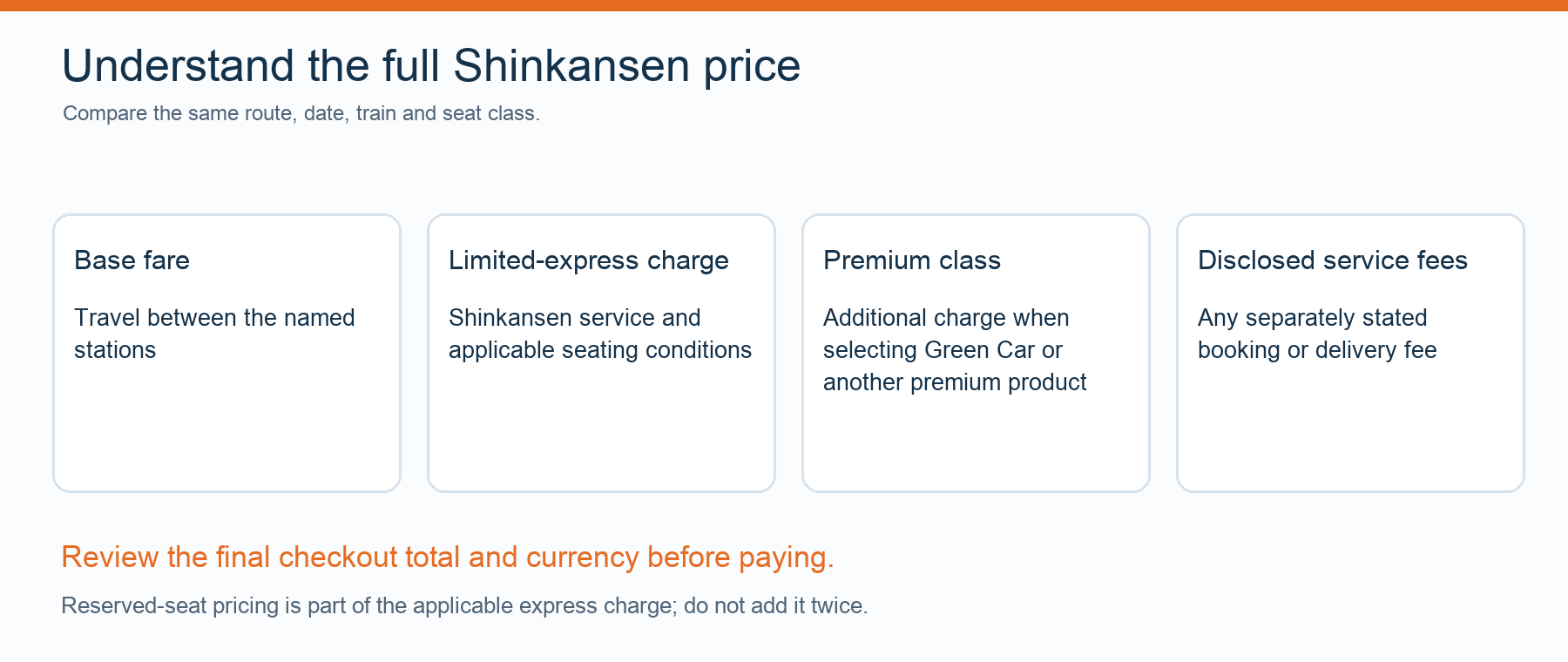
Choose the appropriate collection menu, enter or scan the requested details, then review the train, date, stations and passenger count. Collect every printed ticket and receipt. Some journeys produce separate basic-fare and limited-express tickets; others use a combined format. Keep the complete set until you have finished the journey.
If the machine cannot retrieve your booking
Check the station and machine compatibility first, then the reference, code validity and required password. For a QR scan, a clear, readable screen can help, but a scan failure can have several causes. Repeatedly changing machines will not solve an unsupported pickup location or an order that has not yet been ticketed.
Read the displayed message and contact the ticket issuer or appropriate staffed counter. Staff can advise on the railway arrangements, but a third-party booking may need changes through its seller. Do not buy a replacement until you understand the status of the original order and your immediate travel options.
Leave enough time for collection and boarding
No fixed queue time applies to all stations. Busy dates, ticket changes, accessibility needs and large groups can add time. Allow a buffer before the train rather than relying on claims that pickup always takes seconds. Once you have the tickets, follow the boarding guide and the live platform display. The Tokyo station guide helps distinguish the departure areas.
Official sources and travel-date checks
Reviewed on 11 October 2026. Timetables, available seats and booking conditions can change. Check the operator guidance and the instructions issued with your ticket before travel.