Shinkansen Payment Failed? Check Your Order Before Trying Again
If a Shinkansen payment fails or the result is unclear, check the original order before paying again. A bank notification, a checkout error and an issued train ticket are different pieces of information. The next step depends on whether the seller has confirmed a failed payment, an order awaiting processing or a completed reservation.
Check the order status first
Open the booking confirmation or the seller's order page and look for the order reference, payment status and ticket status. Check relevant email folders for messages from the booking service. If the page timed out, the absence of a success screen alone does not establish that nothing happened.
Keep the reference and the displayed error message. If no order is visible but your bank shows a charge or pending authorization, contact the seller before creating a replacement. A pending bank entry can have a different status from a settled payment, and only the relevant service can confirm the transaction outcome.
Match the situation to the next action
| What you see | What to do |
|---|---|
| Confirmed payment failure and no active paid order | Read the error and check the supported payment method or authentication requirements before retrying. |
| Pending or unclear order status | Ask the seller to confirm whether processing is still in progress. |
| Bank authorization but no ticket | Provide the seller with the order reference; do not treat the bank entry as a boarding ticket. |
| Paid order with ticket issuance pending | Follow the seller's issuance instructions and contact support if departure is approaching. |
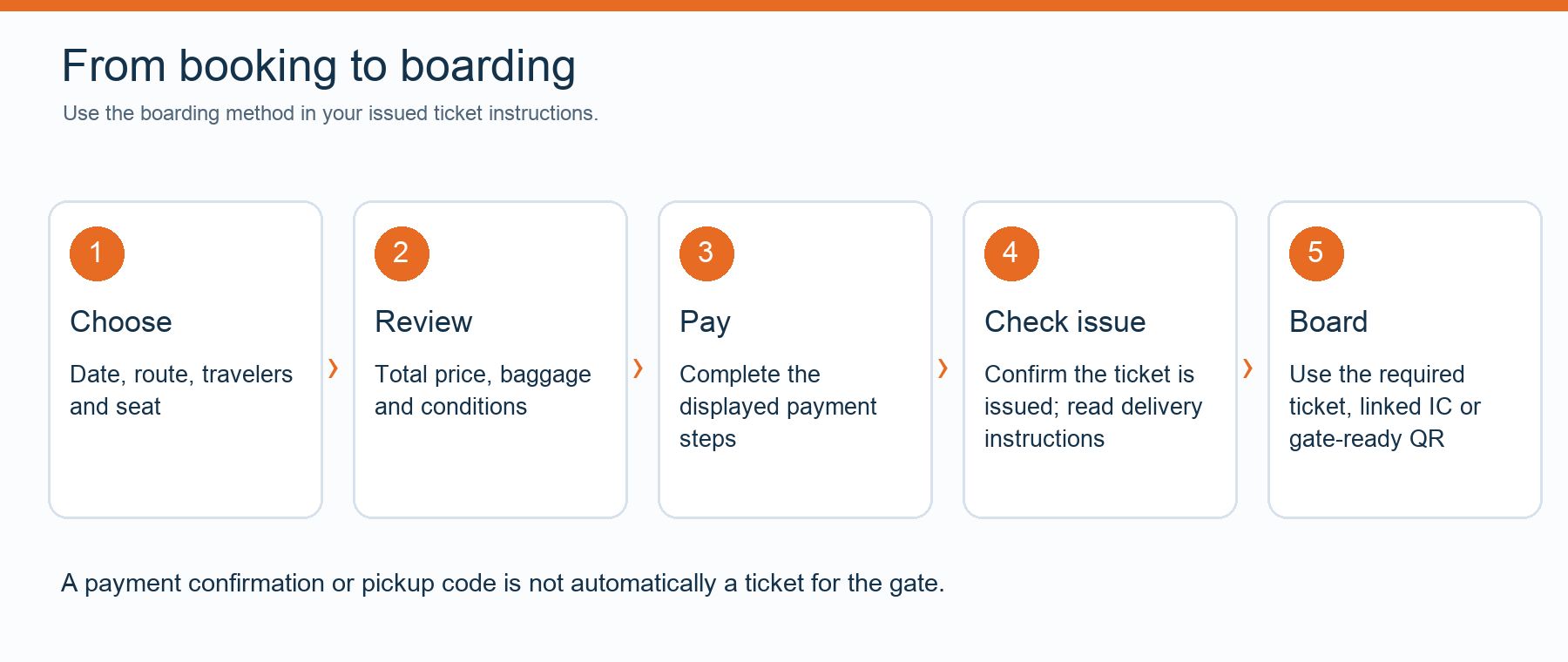
| Issued reservation | Check the train, passengers, seats and boarding method instead of submitting another payment. |
Understand card authentication
Some services require 3D Secure authentication. For example, SmartEX's official registration guidance describes cardholder authentication requirements and circumstances in which authentication can prevent use. These are SmartEX requirements; another seller or payment method can use a different process.
Check whether the issuer supports the requested authentication and whether you can receive its verification prompt. If authentication fails, ask the issuer about that failure and permitted overseas or online purchases. Do not assume that the card's country or network alone explains the result.
Retry only when the original result is clear
Follow the seller's instructions for an existing failed order. A different supported payment method may be an option, but it cannot guarantee success. Repeated new bookings can create duplicate orders or conflicting reservations when the first result was only delayed.
Do not share a full card number, security code, password or one-time verification code with customer support. An order reference, travel details and the error text usually provide the starting point for locating the issue. Use the official support channel shown by the seller.
If the departure is soon
Contact the seller promptly with the intended train and time. Ask whether ticket issuance can still be completed and what options apply to the original order. If arranging an alternative through the railway, keep the two purchases distinct and resolve the original status; a replacement purchase does not automatically cancel the first.
Allow time for any ticket collection. The pickup guide explains why a QR code may require collection rather than direct entry. For advance preparation, see the foreign-card booking guide and the booking checklist.
Official sources and travel-date checks
Reviewed on 11 October 2026. Timetables, available seats and booking conditions can change. Check the operator guidance and the instructions issued with your ticket before travel.